🔢
Jackbox-style joining
A 4-letter room code and a QR code on the TV. No accounts, no app store.
Self-hosted · Open source · No app to install
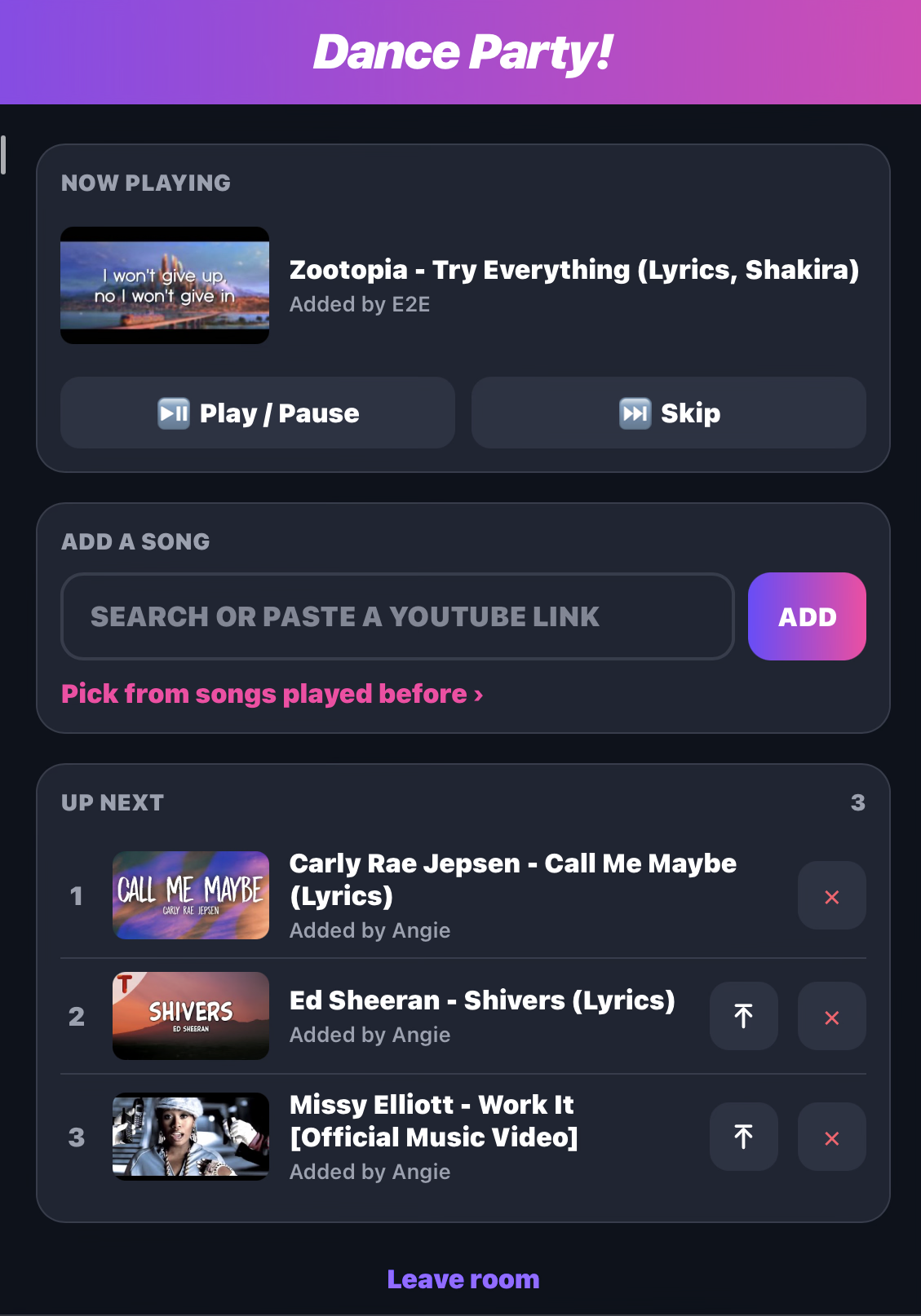
Guests scan the code on screen, punch in a 4-letter room code, and queue YouTube songs from their phones. The video plays on the big screen. You stay in control.
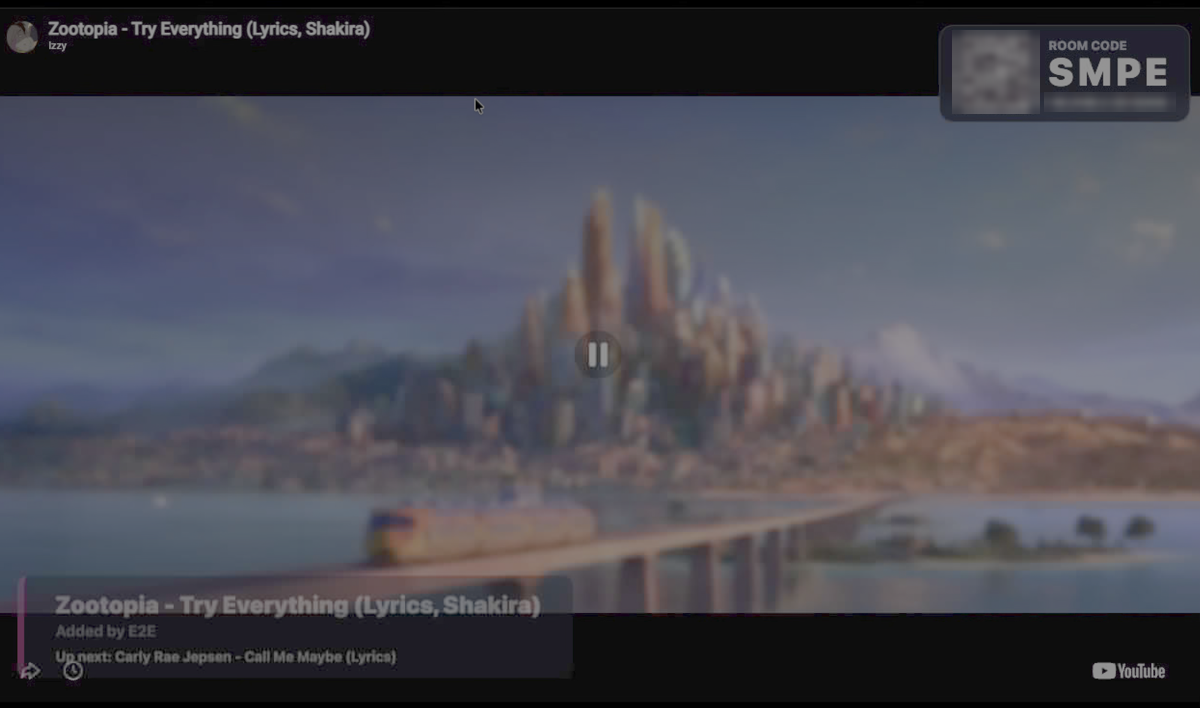
Works in any mobile browser. Join like jackbox.tv: room code + name, and you're in.
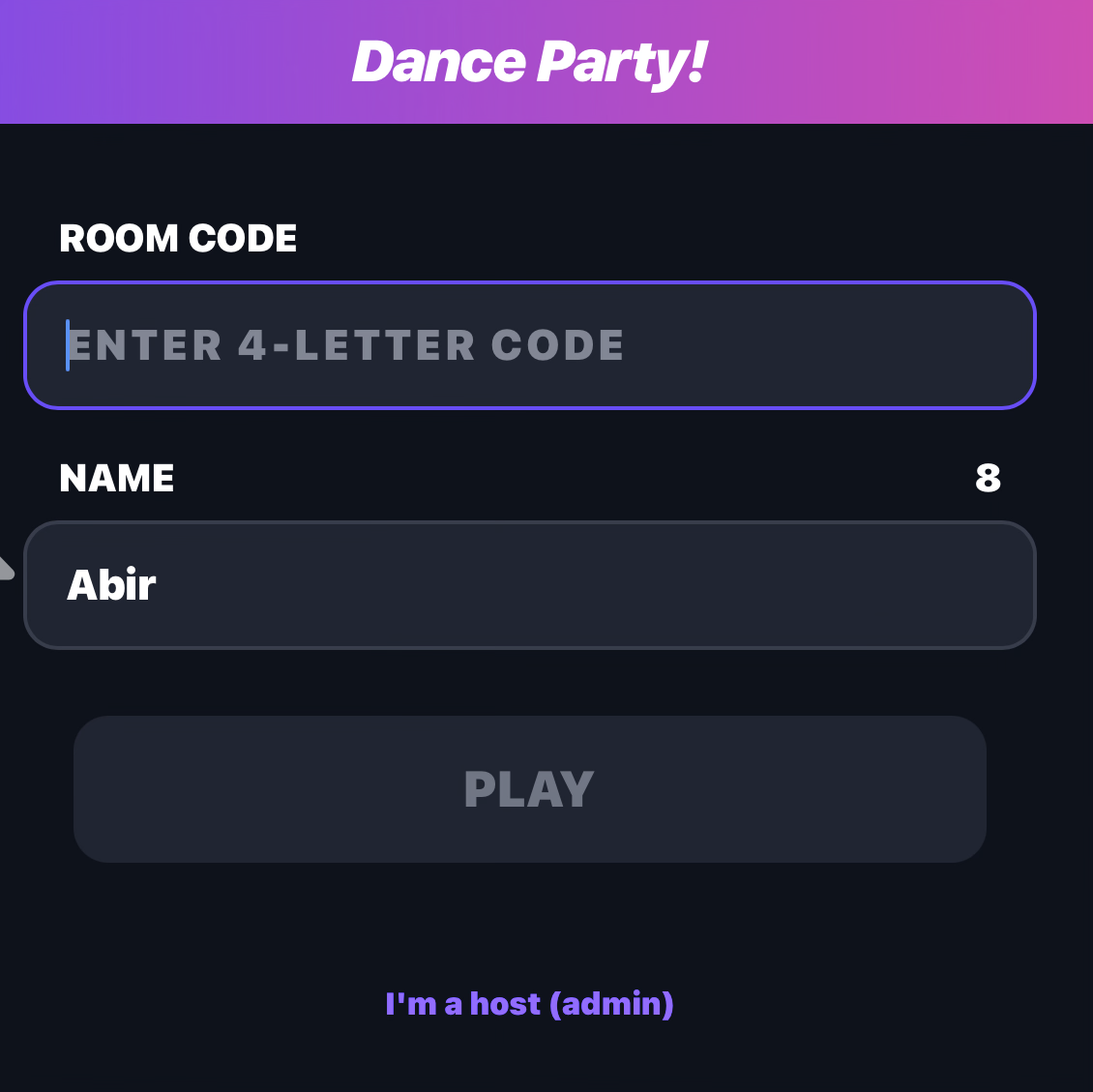
A 4-letter room code and a QR code on the TV. No accounts, no app store.
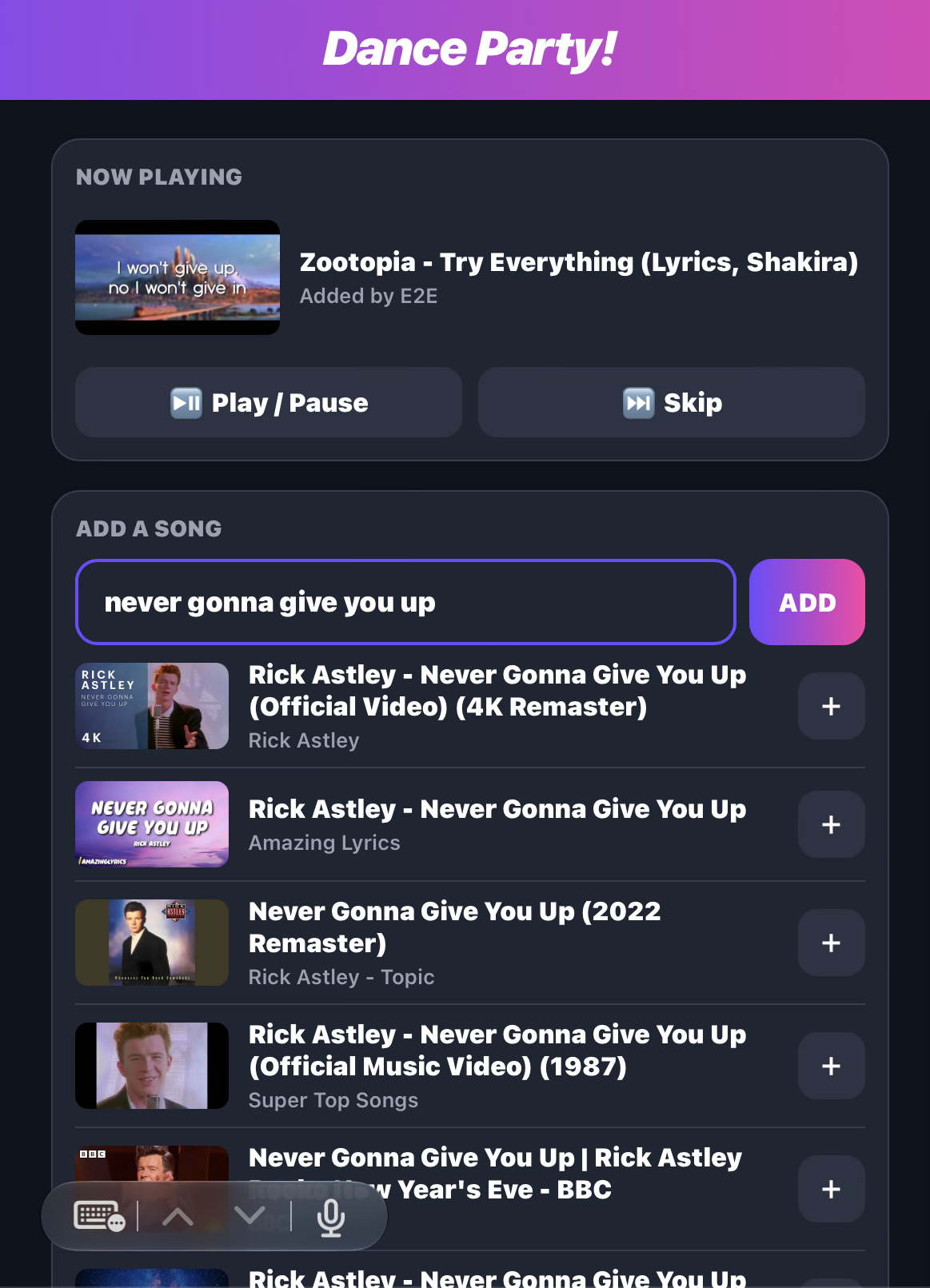
Search YouTube in the app, or paste any link: youtu.be, Shorts, Music, embeds, mobile links.
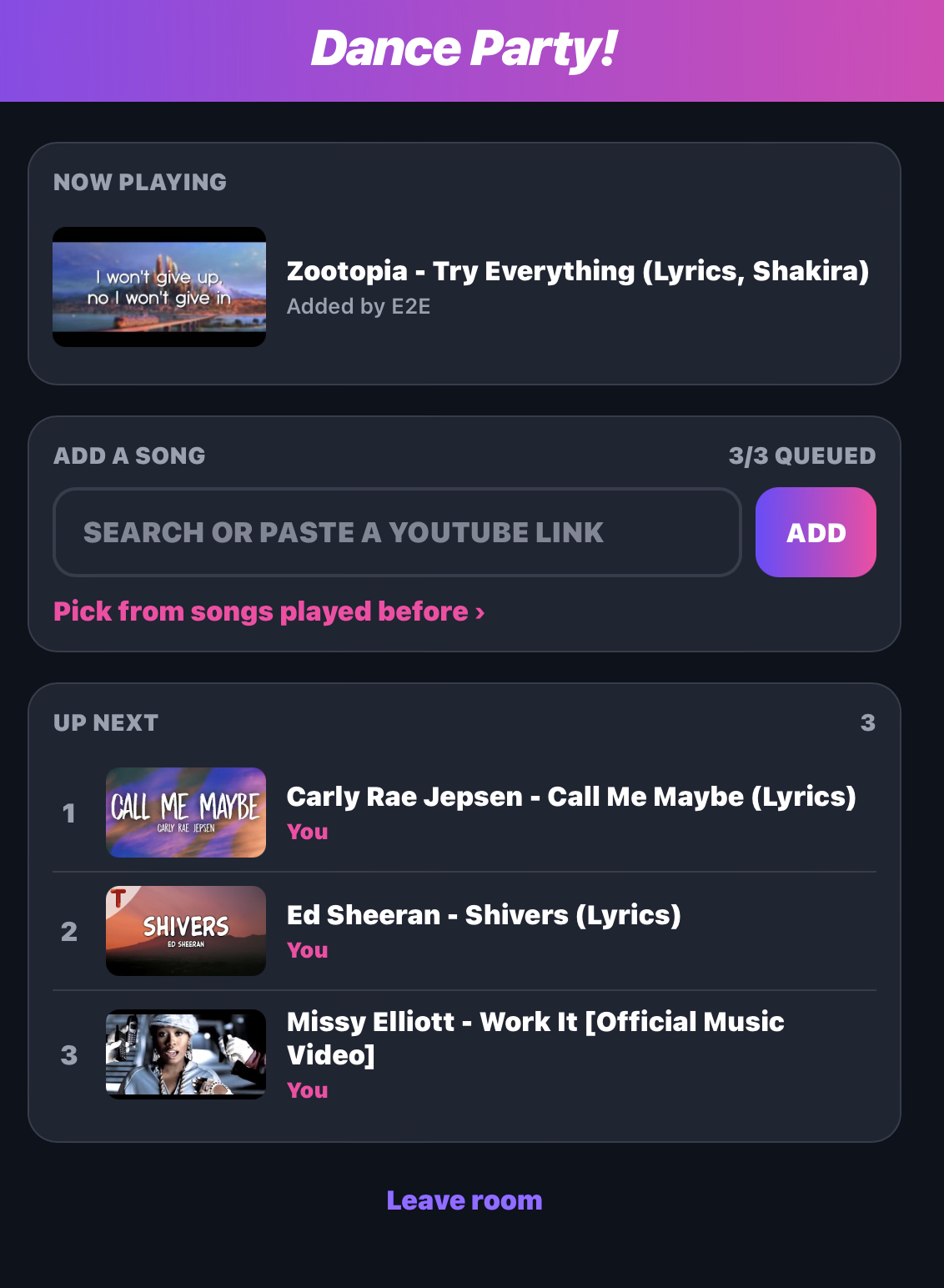
Admins can remove, promote to next, play/pause and skip. Guests get a fair-share queue limit.
Every phone and screen updates instantly over WebSockets. Add a song to an empty queue and it plays.
Every song ever played, searchable and grouped by day. Tap + to bring a banger back.
Videos that can't be embedded are skipped automatically, so the music never stops.
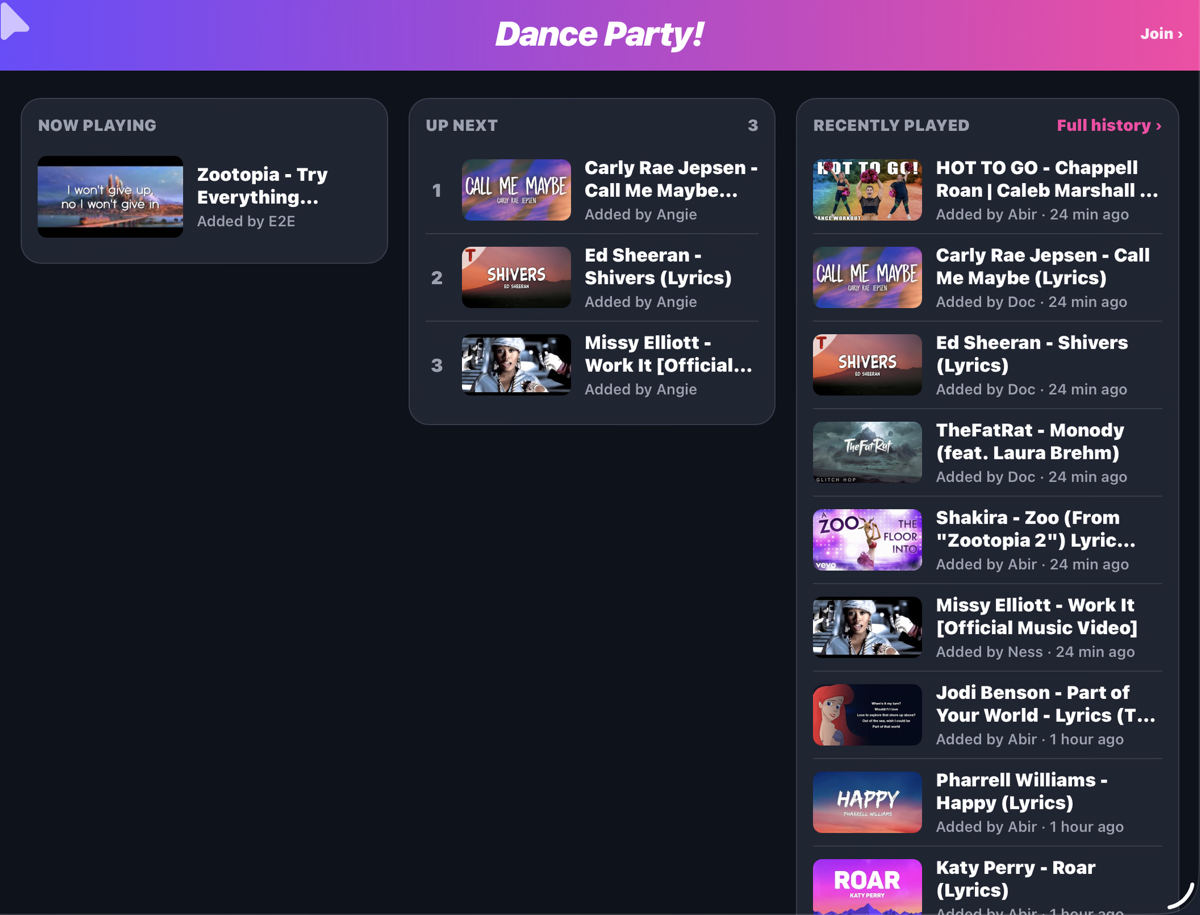
Put /queue on a laptop or second screen: Now playing, Up next and Recently played,
updating live. Read-only, so anyone can watch and nobody can meddle.
Run it on any computer on your Wi-Fi. It prints the room code and links.
Put the player page on the big screen. It waits with the room code and QR.
Phones scan the QR or open the link, enter the code and a name.
Songs play in order. Hosts promote, skip and tidy up from their phones.
The player is just a web page, so if it can show a browser window, it can host the party.
Plug a laptop into the TV and go full screen. The most reliable option.
Mirror or extend a Mac or iPad to an Apple TV or AirPlay-capable TV.
Cast the Chrome tab or screen to a Chromecast or Google TV.
Smart TV with a decent browser? Open the player URL right on the TV.
Requires Node.js 22+. A YouTube Data API key is optional (it turns on in-app search).
# grab it
git clone https://github.com/shundor/dance-party.git
cd dance-party && npm install

# set ADMIN_PIN, TV_KEY, optionally YOUTUBE_API_KEY
cp .env.example .env

# party
npm start| Guest | Admin | |
|---|---|---|
| Add songs (search or paste a link) | ✅ up to 3 waiting | ✅ unlimited |
| Re-queue from history | ✅ | ✅ |
| Remove songs | — | ✅ |
| Promote to play next | — | ✅ |
| Play / pause, skip | — | ✅ |